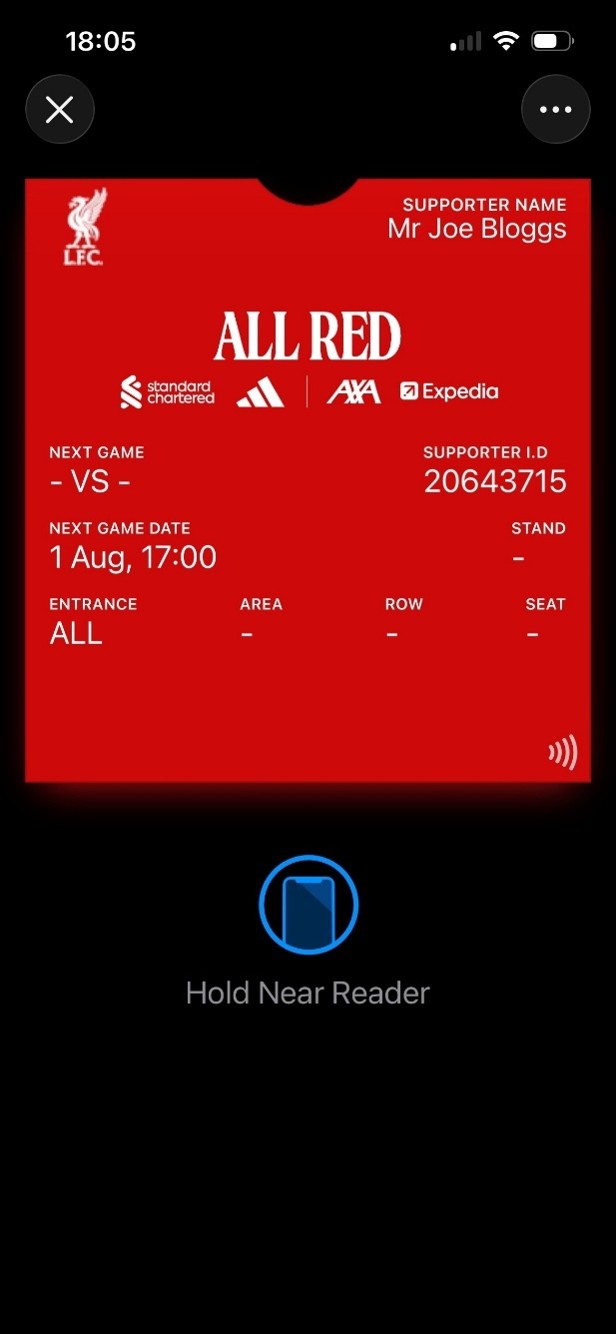
How do I download my All Red NFC Pass from My Account?
Updated
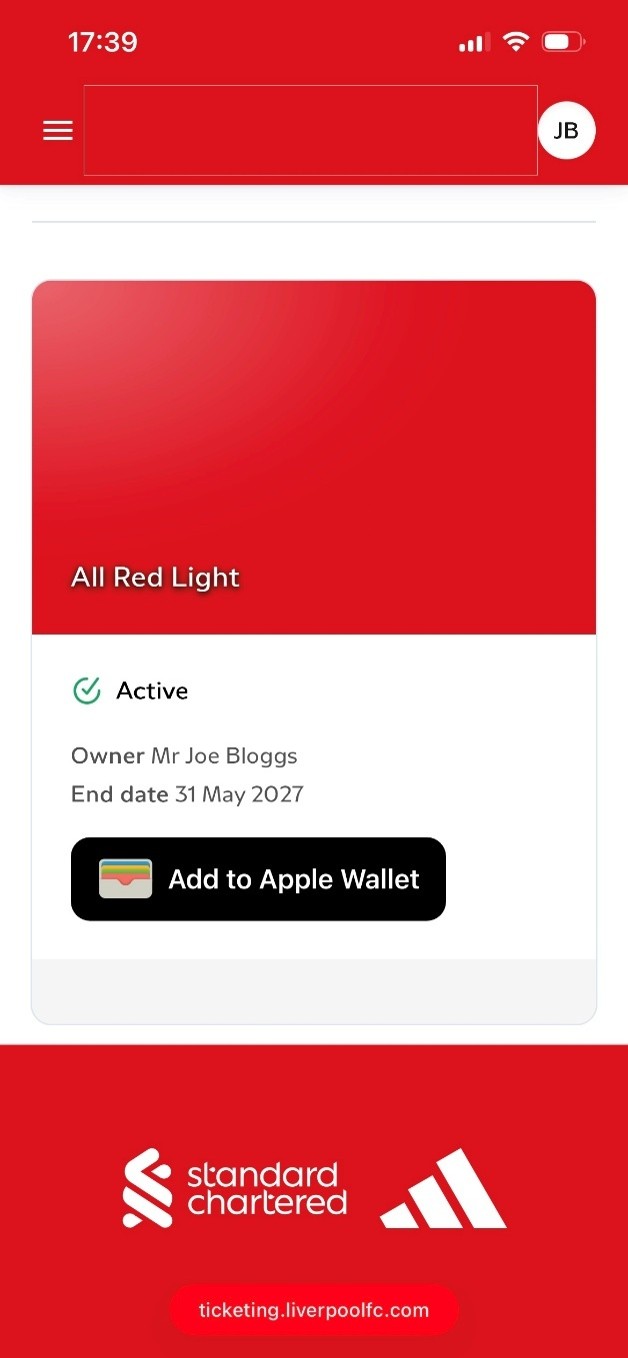
Log in to your My Account on the smartphone you will bring when attending matches. If you did not complete Single Sign On (SSO) by the deadline, read our FAQ. Once logged in, your membership will be displayed.
Click Add to Apple/Google Wallet.
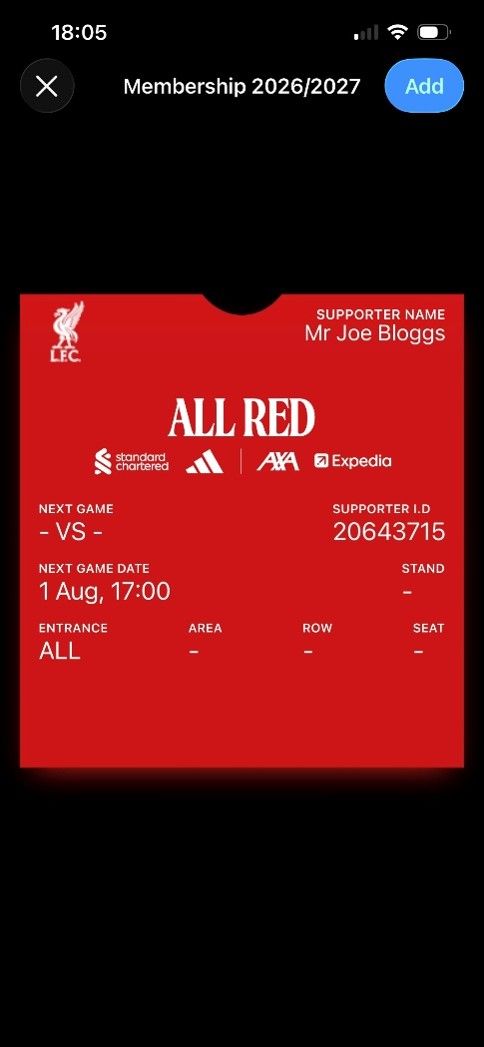
Click Add.
Your NFC pass will update ahead of each match to display your ticket details for any matches you have tickets for. You’ll then be able to open your ticket in your Apple/Google Wallet, and scan it to access Anfield on matchdays.