
How do I enter a turnstile with a self-service scanner?
Updated
The turnstiles in your stand have been upgraded, and are now fitted with self-service scanners. Stewards will be located around the turnstiles should you require any assistance.
As you approach the turnstile, have your pass ready.
Hold your phone/NFC pass towards the top of the screen for it to scan.
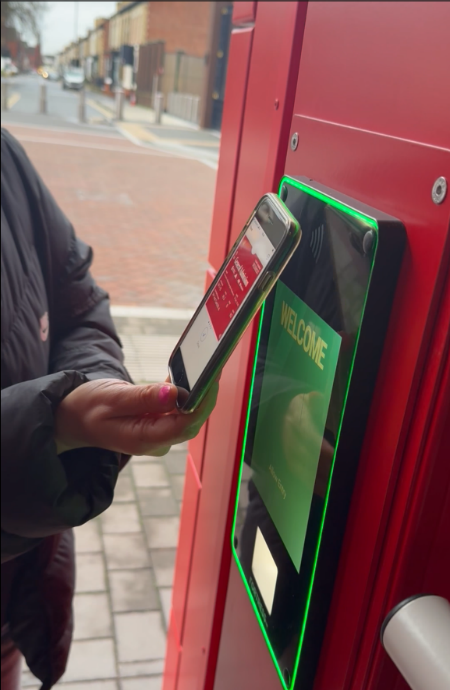
If you are using a rotating Google QR code, you should open the QR code by clicking Show Code and show the QR code to the white square at the bottom of the screen. You will find the QR code as an icon displayed on the top right of the screen.
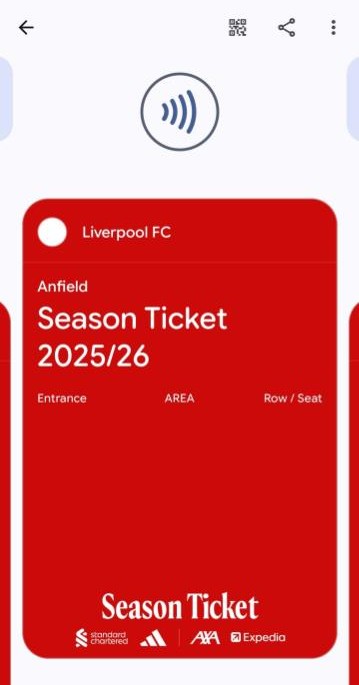
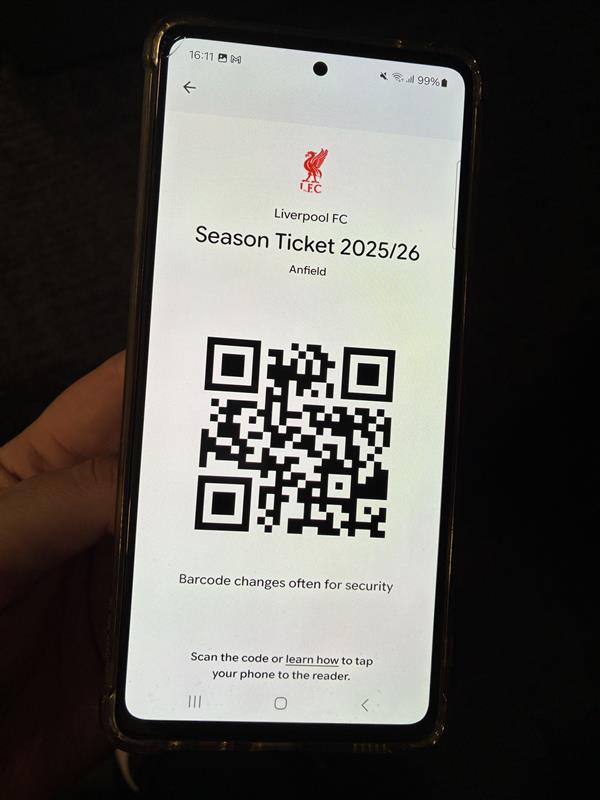
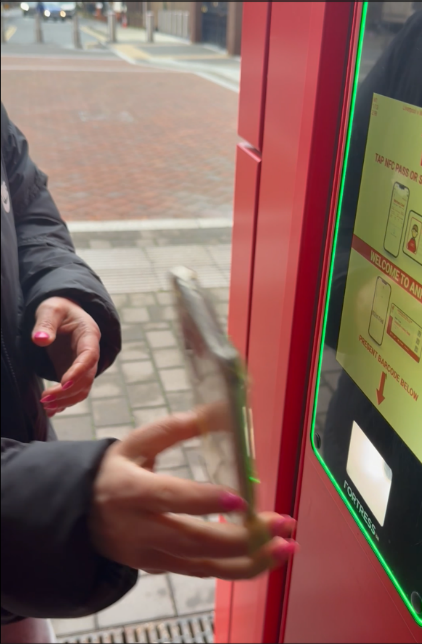
If your ticket is valid for this turnstile, the screen will go green and you’ll be able to enter.

If there are any issues with your ticket, the screen will go red and display the reason why the ticket has been rejected. A steward or Fan Support will be able to assist you.