I have released my seat for a game I now want to attend, what do I do?
Updated
If your seat hasn't been sold yet, you can cancel your request by following these steps:
•Log in to your Ticketing Account.
•Select 'Tickets'
•Select 'Game'
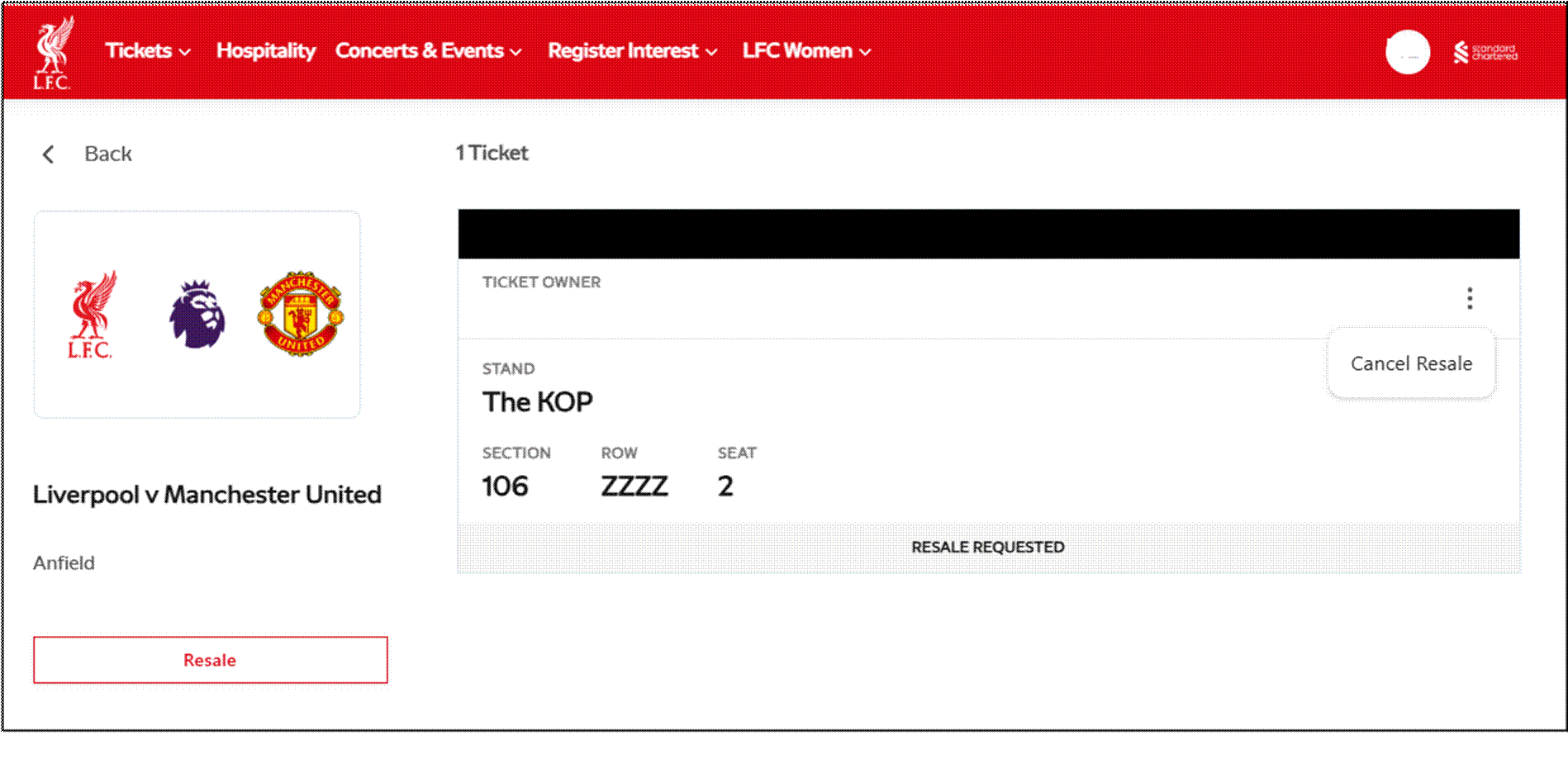
•Click the 3 dots in the top right corner
•Then select 'Cancel Resale'
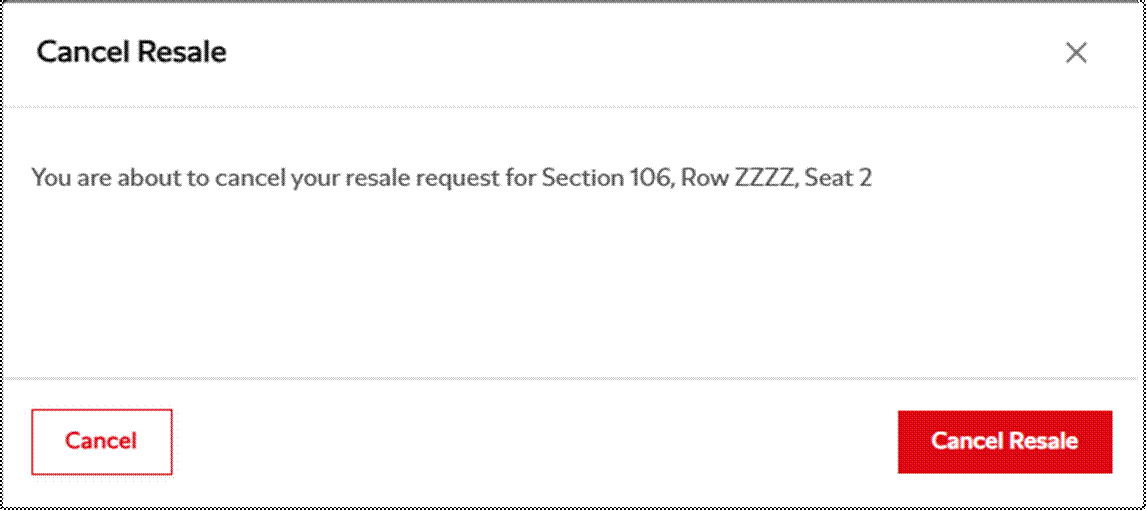
You will then see a pop up and need to select 'Cancel Resale.'
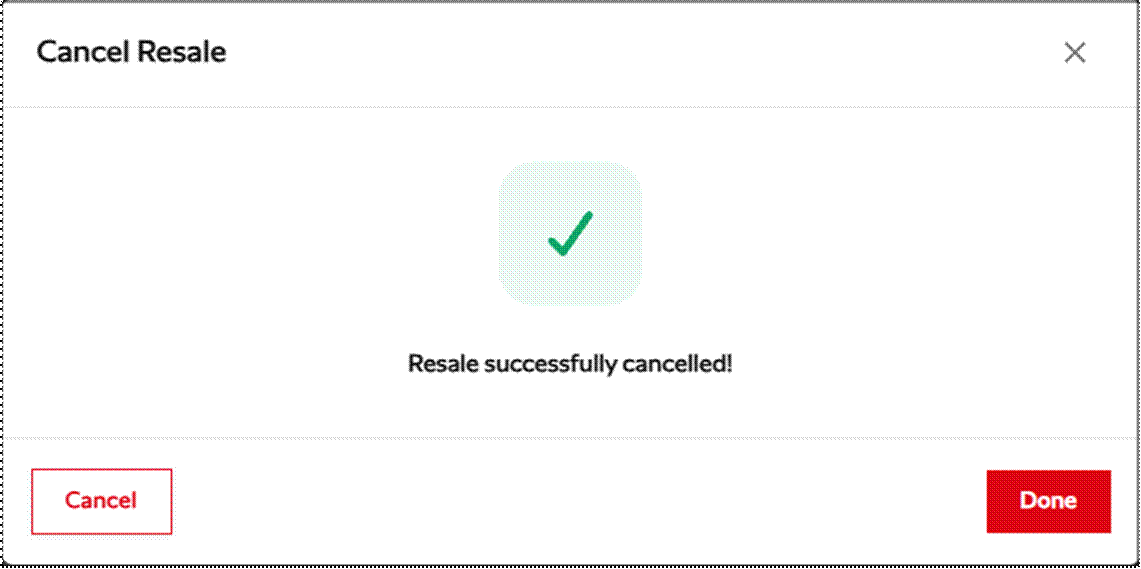
A pop up will appear confirming that your resale request has been cancelled.