
How do I add or remove a supporter from my Friends & Family List?
Updated
To add supporters to your Friends & Family List, you must have a supporter ID and the last name or postcode for the person you are adding.
If you would like to add someone who does not have a suppotrter ID, they will need to register for an account.
To remove a supporter, log in to your account and follow the removal steps below.
To add a supporter:
Log in to your Ticketing Account.
Select Friends & Family. Any supporters already linked to your account will show here.
Click Add.
Click Add Friends & Family.
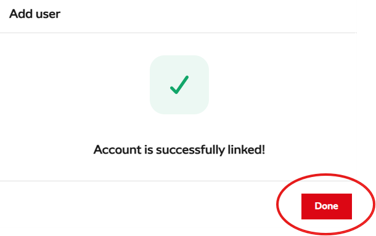
Type in the Supporter ID and either the last name or postcode of the person you want to link and click Identify. You will then see the below confirmation message:
To remove a supporter:
Log in to your Ticketing Account.
Select My Friends & Family.
Click the 3 dots next to the person you wish to remove.
Select Remove and confirm by clicking Remove User.