
How do I download my General Admission NFC Pass using the LFC Official App?
Updated
Firstly:
Log in to your Ticketing Account on the smartphone you will be using to access the stadium. If you did not complete Single Sign On (SSO) by the deadline, read our FAQ.
Setup the pass by completing the checkout process on our General Admission NFC Pass product. The purchase is free and does not require any payment.
Once you have setup your GA NFC Pass, you still need to download it to your smartphone.
Our step-by-step video guide explains how to do so in the LFC Official App.
Alternatively, you can follow these steps:
Download the app. If you already have it, make sure it's updated to the latest version.
Make sure to use the smartphone you will be using to access the stadium. If you did not complete Single Sign On (SSO) by the deadline, read our FAQ.
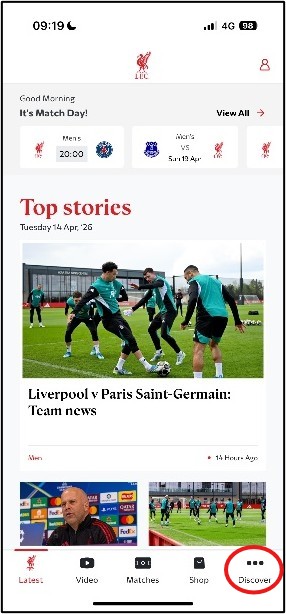
Open the app and tap Discover.
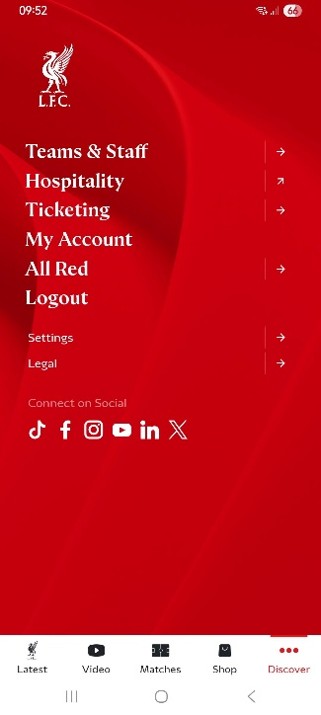
Select Ticketing.
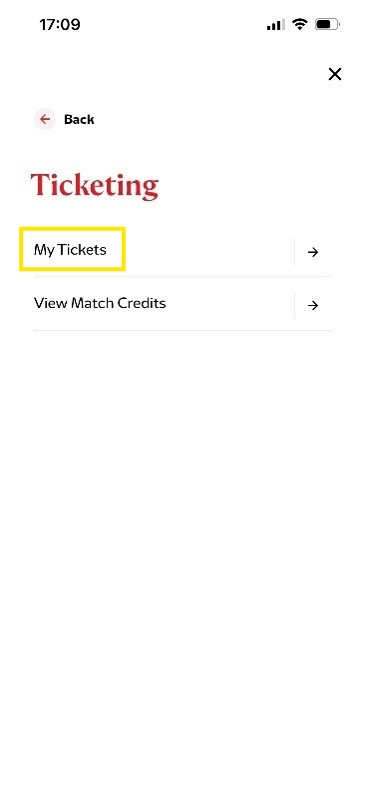
Select My Tickets from the Ticketing menu. If you’re not logged in, you’ll be asked to do this now.
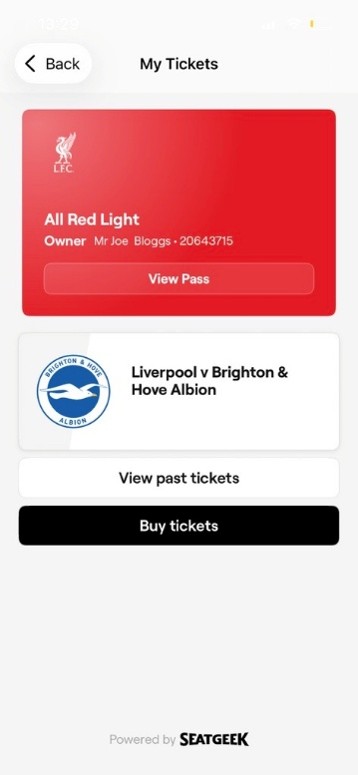
Once in My Tickets, tap View Pass.
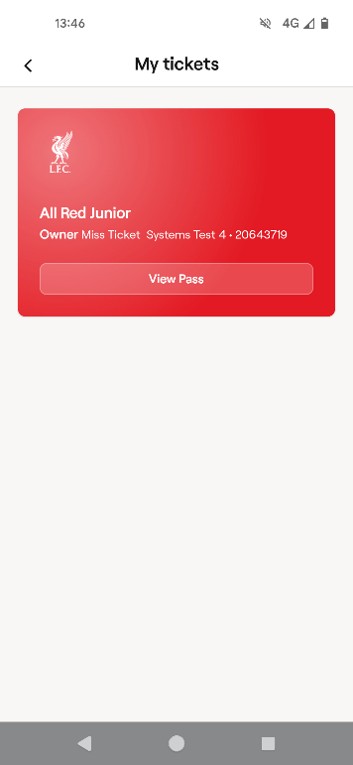
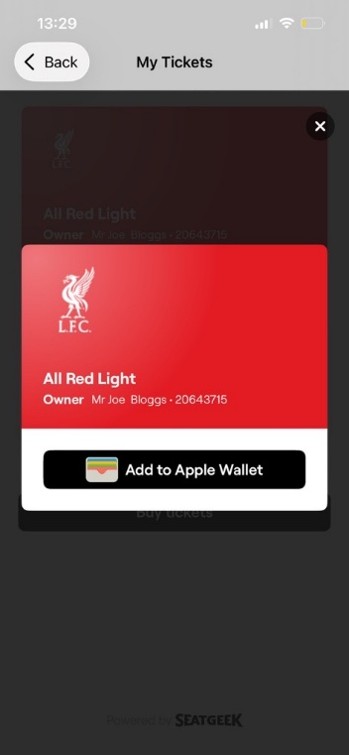
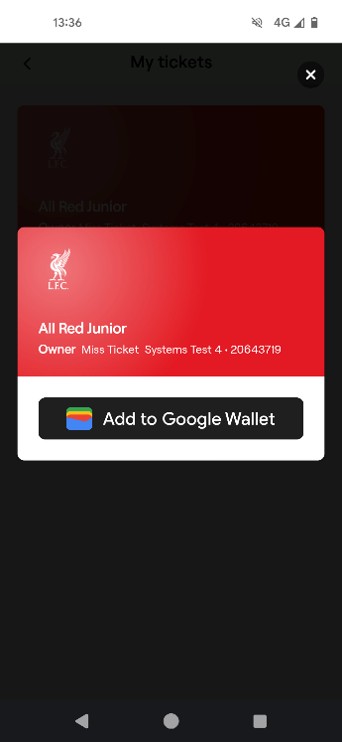
Click Add to Apple Wallet/Google Wallet and follow the instructions to add the NFC Pass to your device.
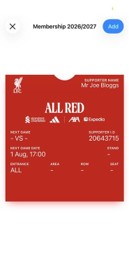
Apple Wallet
Google Wallet
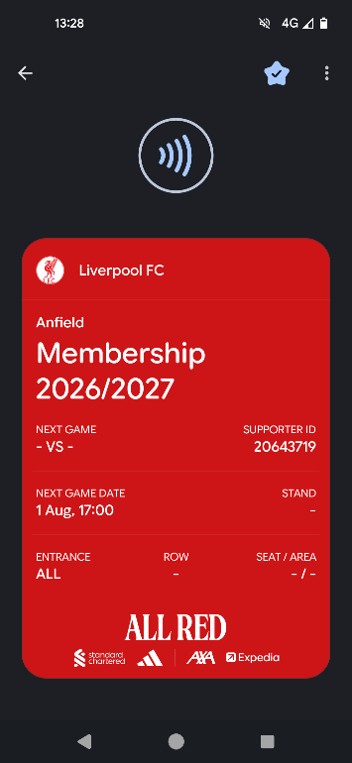
Your NFC Pass will update ahead of each match to display your ticket details for any games you have tickets for. You’ll be able to open your ticket in your Apple/Google Wallet, and scan it to access Anfield on matchdays.
If you are having any issues, please contact Supporter Services.